 Illustrative photo
Creating with Canva
♡ Save keeps it in My GoToday · 📅 Calendar adds this date to your calendar
About this event
Are you looking to elevate your business flyers, work and school projects, or social media posts? Learn the basics of Canva, an online editing tool you can utilize to step-up your graphic design game.
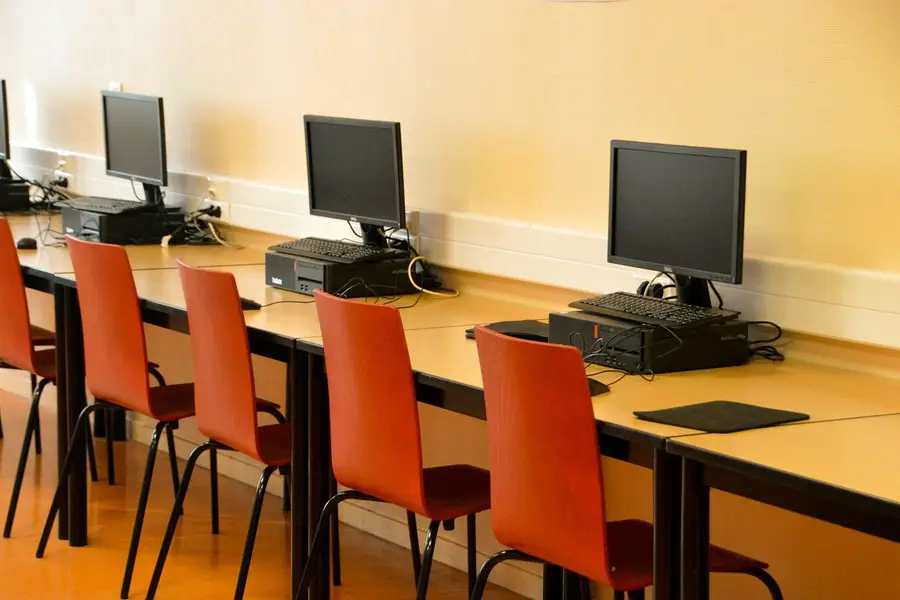
No design experience needed- just a working email. Seats are limited to 16 participants and will be filled on a first-come, first-served basis. Please arrive a half-hour early to sign in for a seat at one of the 16 workstations. No entry 20 minutes after class starts.
For reasonable accommodation requests, please contact the Center for Accessibility at DCPLaccess@dc.gov or 202-727-2142.
Instructor: N. McNeal
MLK Jr. Memorial Library
Adult Learning Department
901 G Street, NW
Computer Lab - Room 202-O
In this workshop, you will learn how to:
Access the Canva platform for the first time
Use and customize various Canva templates
Search and personalize Canva editor
Upload and use photo tools
Use other editing elements
Find Fonts and Use Text
Share and Collaborate on Designs
Save, Download, and Organize your projects
Location
Martin Luther King Jr. Memorial Library - Central Library, Washington, DC
Listed by DC Public Library. Details can change — check the official page before you go.